Spatial Nodes
A visual programming language for creative coding in virtual reality
Abstract
Node-based programming is usually done on a two-dimensional canvas. What if it were done in a three-dimensional space? Spatial Nodes is a visual programming language for creative coding in virtual reality that tries to answer this question. Users can build interactive and animated worlds by connecting and manipulating nodes directly with their hands. The nodes are evaluated as the user modifies them, so the result of the user's action is visible on the scene in real time. The project shows how programming can become a spatial and embodied activity. It identifies some challenges in creating this kind of a programming environment, such as interaction design and debugging, and suggests that example scenes can be an effective way of learning how to use it.
Coding in a three-dimensional space
When people think of programming, I believe they often envision something that requires a lot of careful and analytical thinking. But there are many programming systems that are designed for a more intuitive, trial-and-error like experience. Sometimes, these kind of programming systems come in the form of node editors. You can find them in 3D software such as Blender, game engines such as Unreal Engine or compositing software such as Nuke.
Node editors usually exist on a two-dimensional canvas. As part of my bachelor’s thesis last summer, I explored how a node editor might function in a three-dimensional space. What emerged from this was proof of concept for a visual programming language for creative coding in virtual reality. I've named it Spatial Nodes.
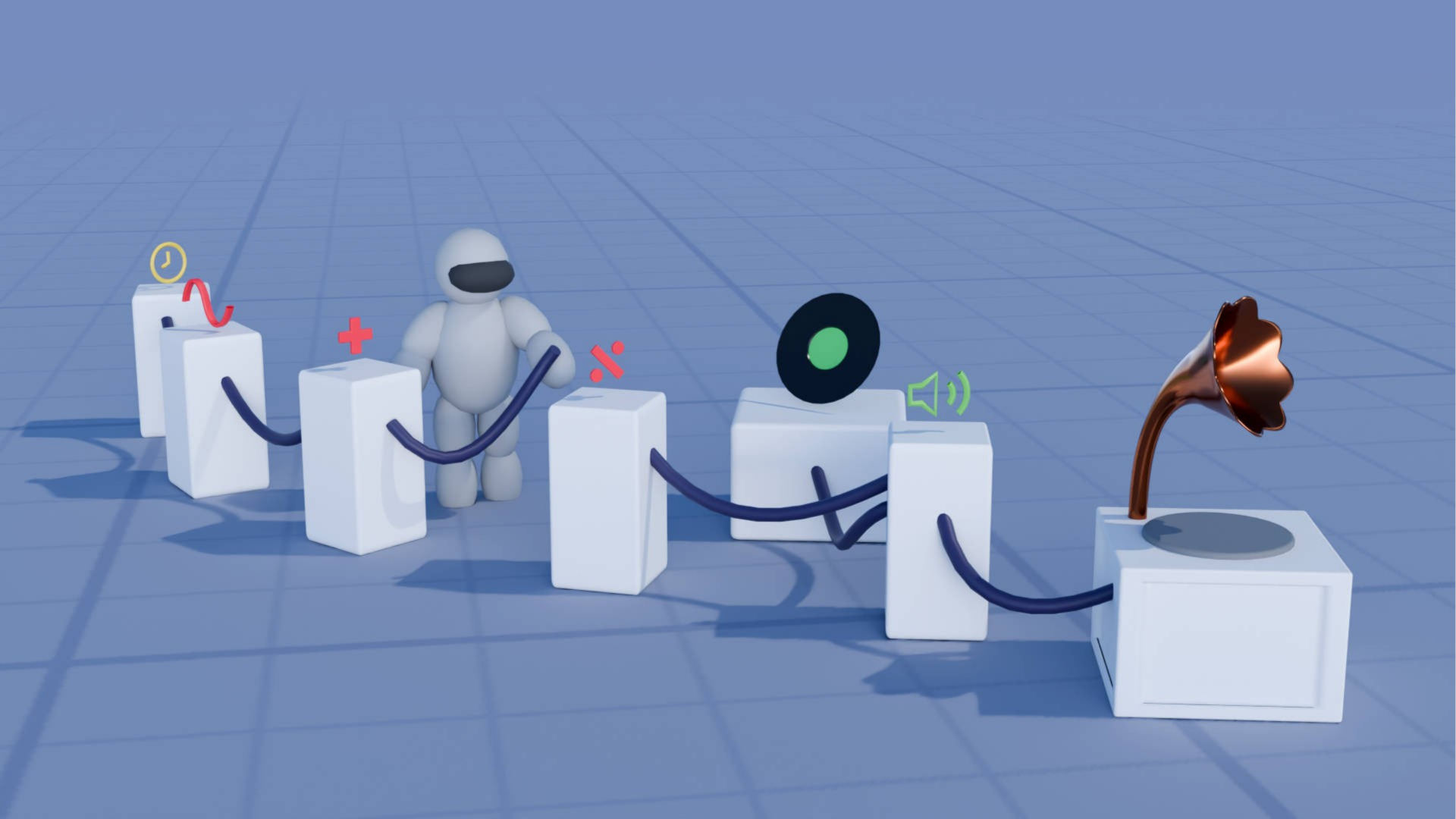
Spatial Nodes enables users to create animated and colorful worlds. The programming language gives users access to the position of their hands, allowing them to create worlds that respond to the users’ movements. The nodes are evaluated every frame, so they react to the users changes in real-time.
Demo
The users starts in a dark void. Only a grid on the floor and a bunch of nodes are present. The nodes can be grabbed and moved. The nodes' world space can be translated, rotated and scaled by grabbing and moving the void by hand. The user interacts with the program using without any controllers, only their hands.
Nodes can be connected to each other by pinching an output or input of a node using the index finger and thumb. Changes made to the nodes result in immediate changes in the scene.
Node inputs and outputs that have the same data type can be connected in whatever way the user sees fit. For example, to draw mutliple cubes on top of each other.
Learning by Example
Other node editors often provide example files or node trees that the user can learn from. Cognitive psychologists call this "worked examples", I believe. I think that's a very effective way of learning, so I've created eight example node trees that can help people understand how they could use the nodes to create various effects.
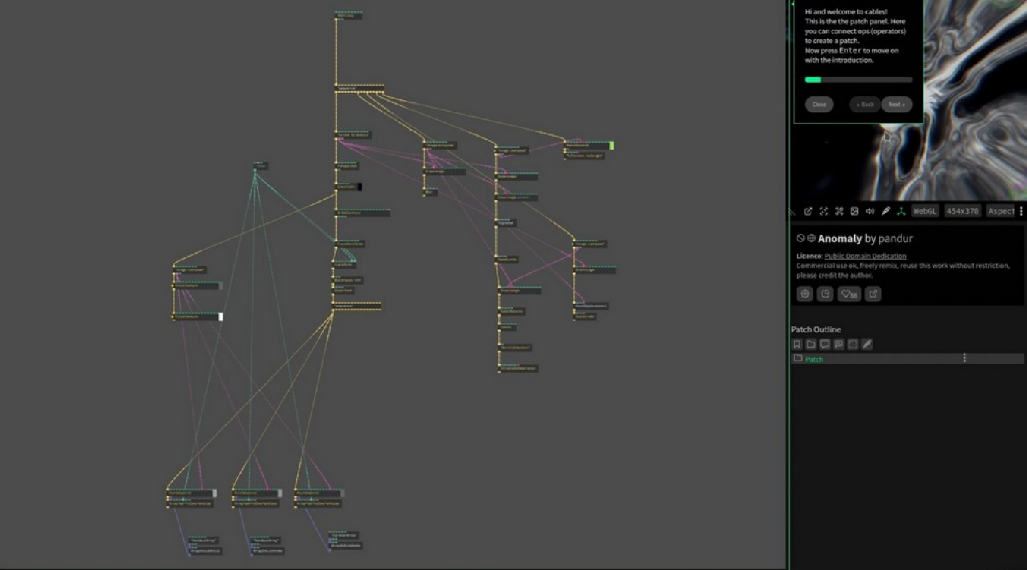
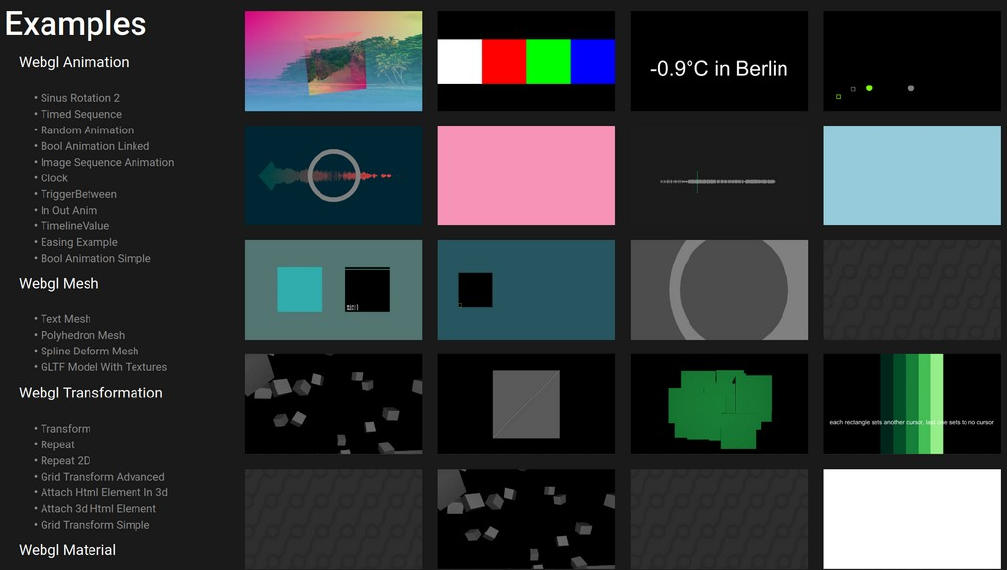
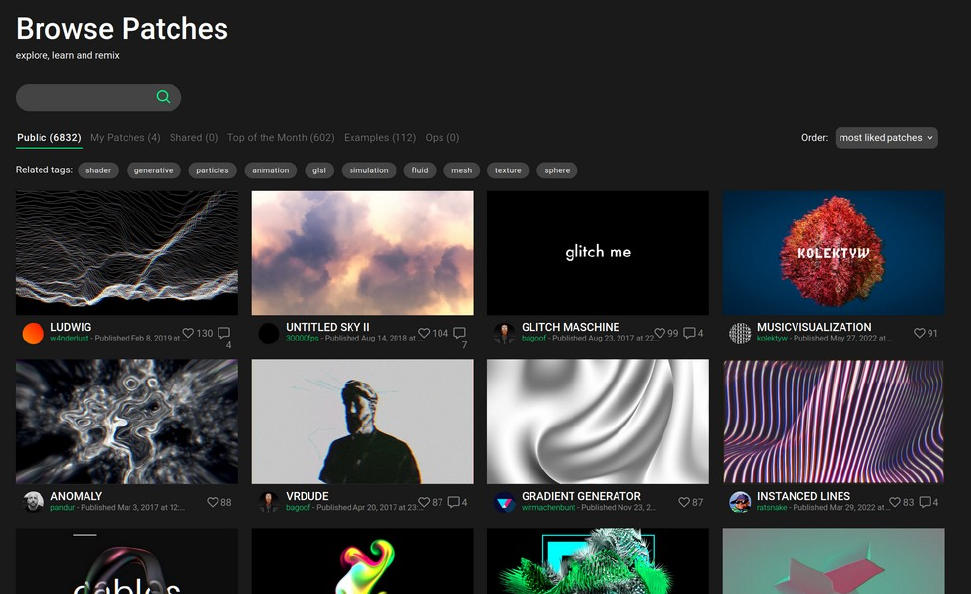
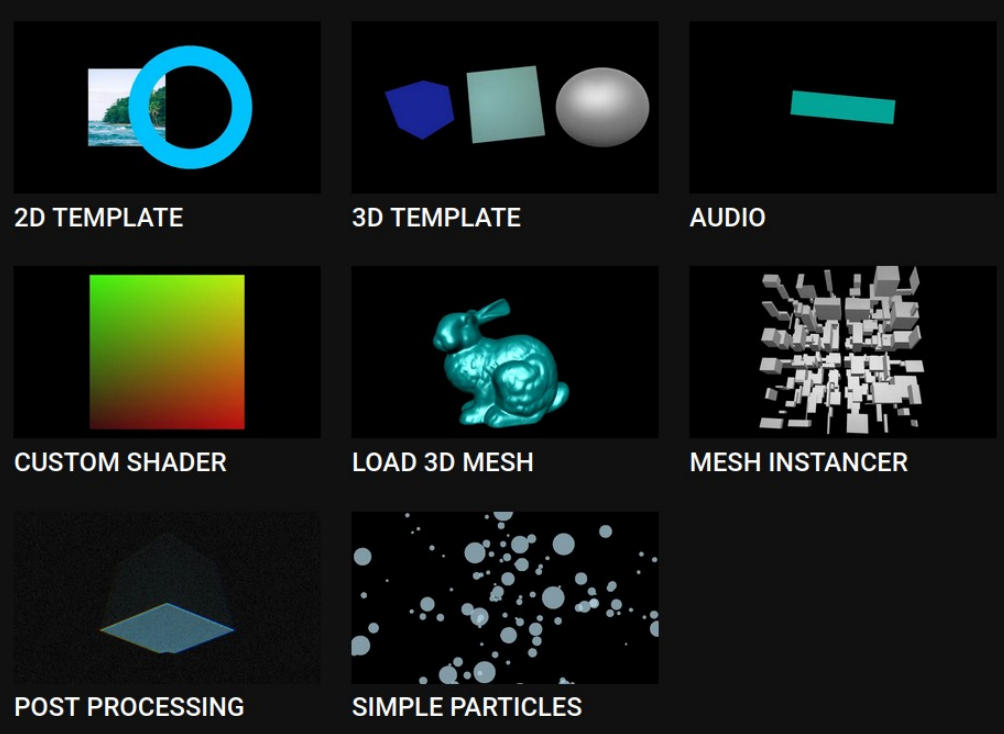
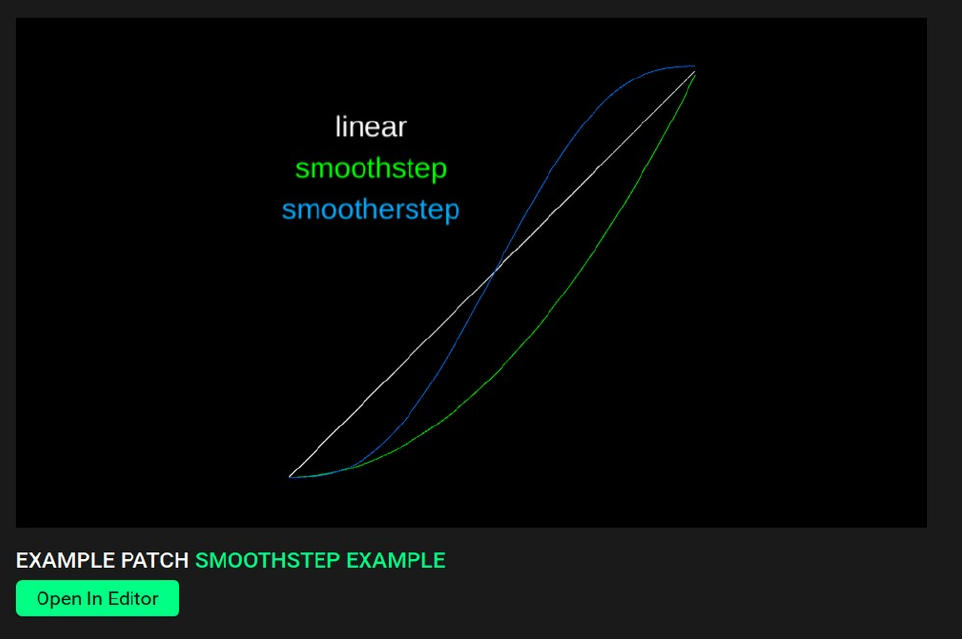
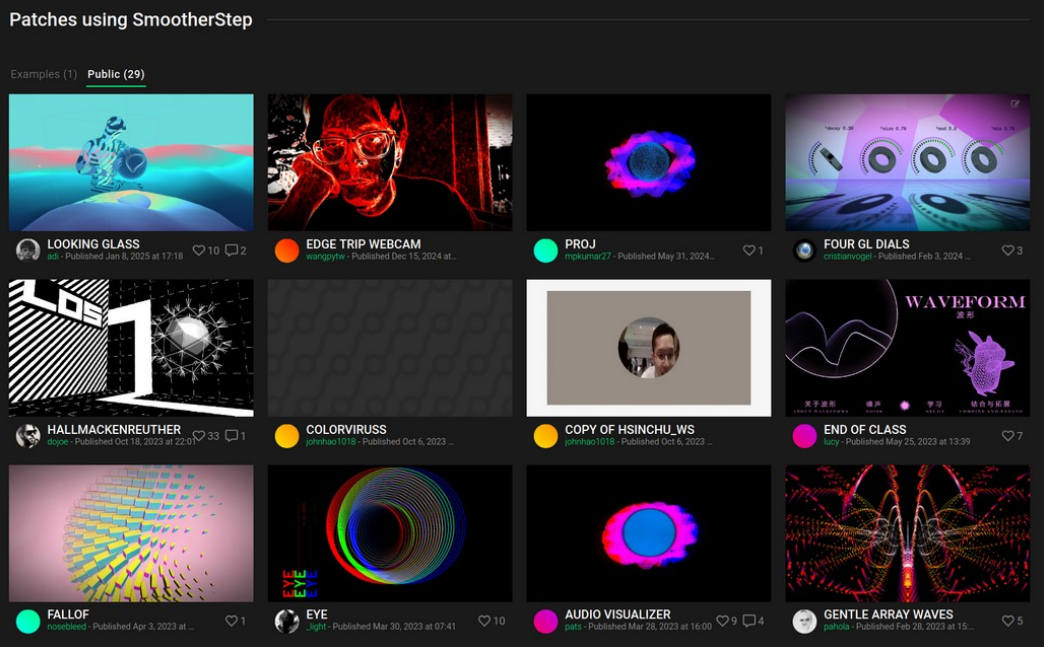
I like how the web-based node editor cables.gl is using examples extensively: After clicking the button "Run cables directly in your browser!", an example "patch" (project) is opened. They also provide many example patches that show various features of the software and have more than 6'000 public user-generated patches that can be inspected and modified. Every node is documented and oftentimes has an example patch that was created just to explain what a node does. In the documentation, they also list user-generated patches that use this node, so you can see how the particular node can be used in a more sophisticated context. I think lots of these things could also work for Spatial Nodes.
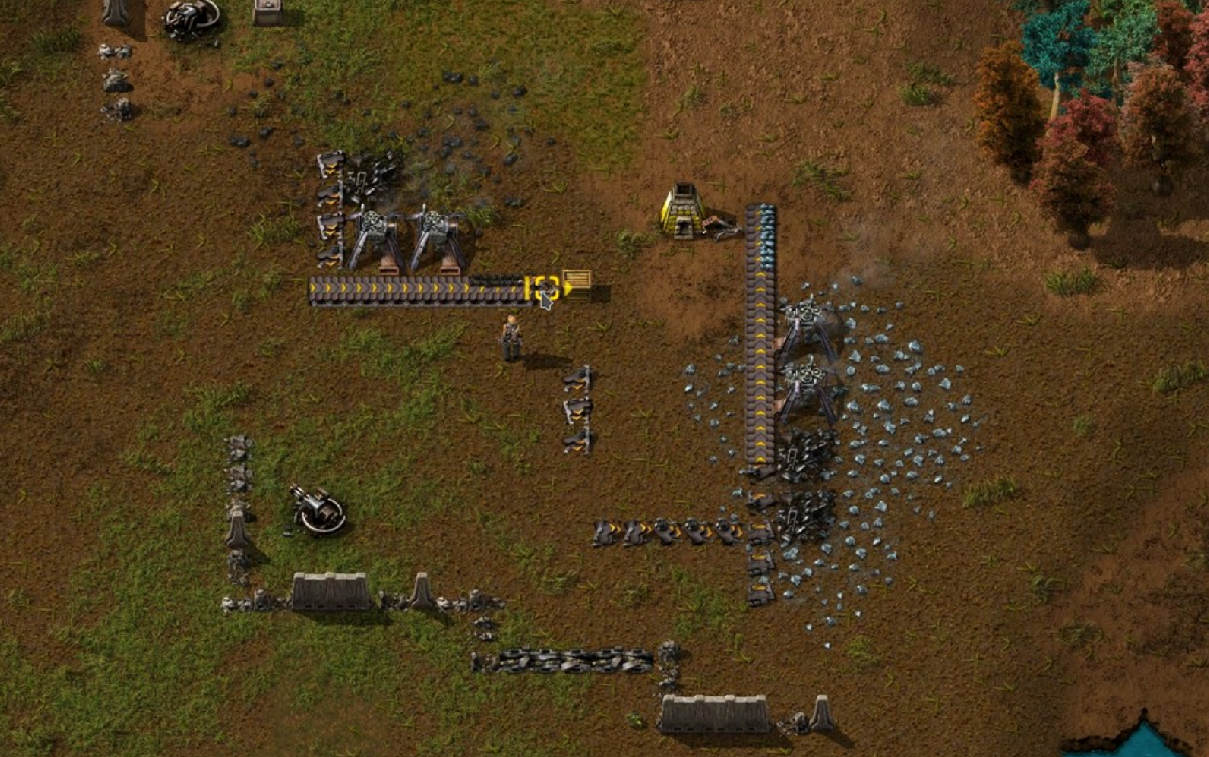
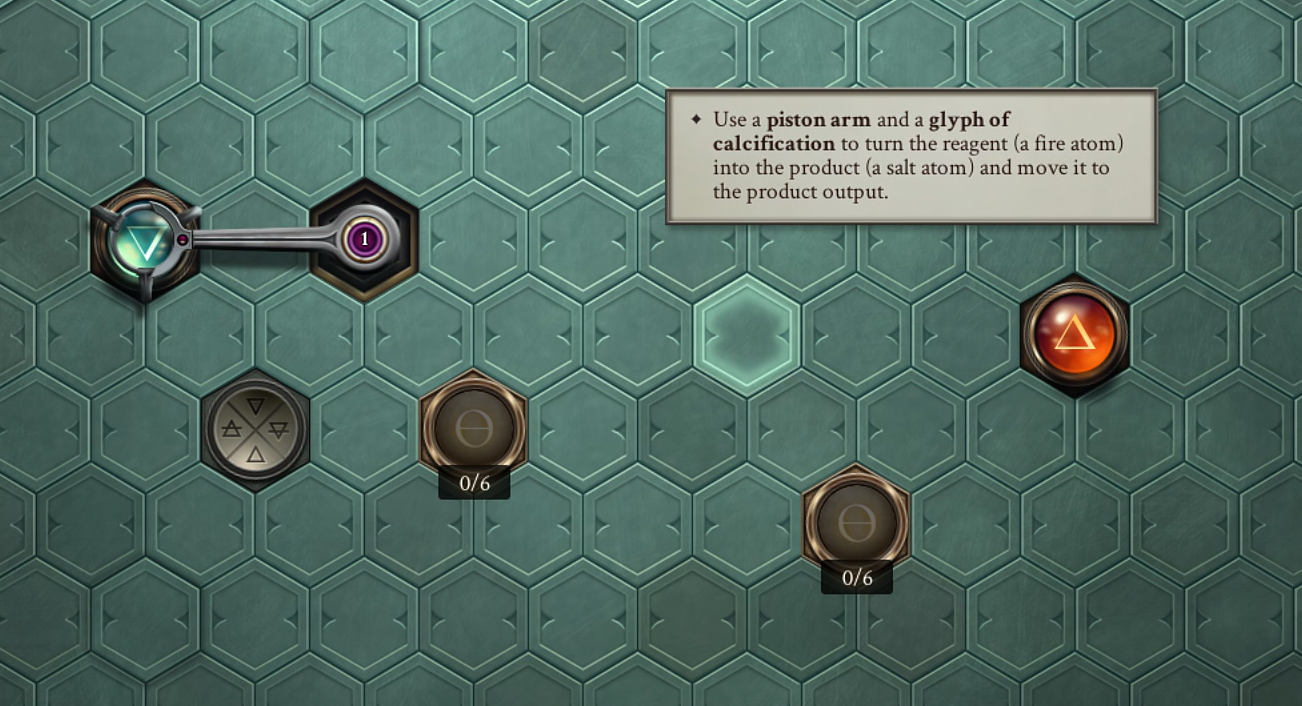
In the future, I'd also like to offer scenes where some nodes are floating in space and the user has to create a specific effect in order to proceed. Video games sometimes do this: In the beginning of Opus Magnum, the player has to solve a bunch of simple tasks. A lot of them are already solved to some extent, which allows the player to understand how the different building elements function. Factorio does this, too, by placing structures on the map that only need small adjustments for them to run again.
Inspiration
I like writing shaders, and they way shaders work inspired Spatial Nodes. In shader programming, the same code is applied to every pixel of the shader. Similarly, in Spatial Nodes, the same code is applied to every primitive of a node tree.
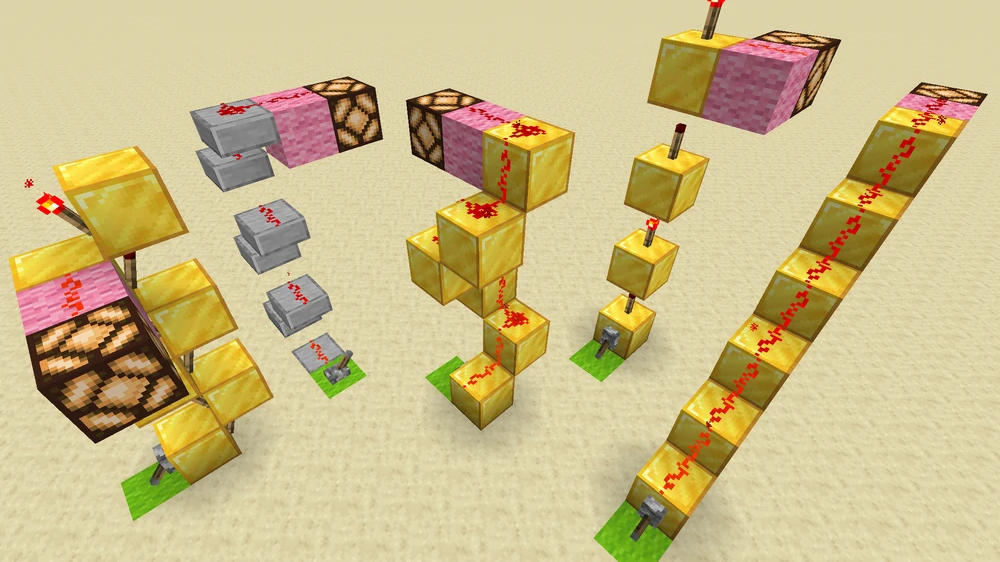
Minecraft's Redstone and the Create Mod were also an inspiration. I like how they enable players to build (program) systems in a 3D space and wanted to create a similar experience. In my initial vision for this project, the programming blocks were much more situated in space and the user would navigate around them, instead of moving the nodes.
Challenges and Future Possibilites
Debugging Tools
Sometimes a cube just disappears and it's hard to understand why. Spatial Nodes could benefit a lot from debugging tools. I like how cables.gl, for example, displays a preview of an output when you hover on a connection.
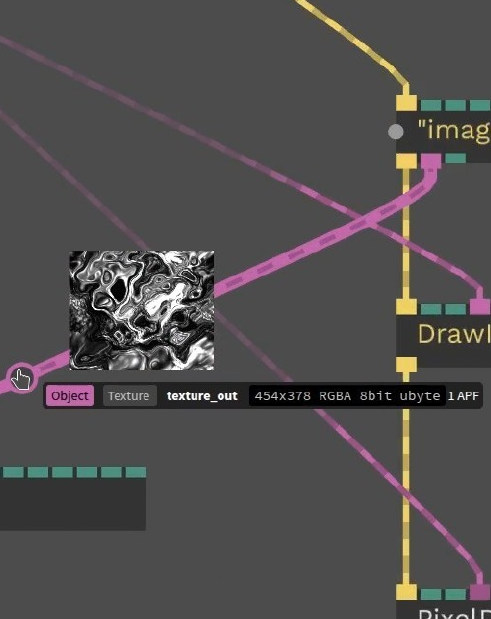
Something similar could exist for Spatial Nodes. But there are some open questions: When drawing multiple objects, nodes can have different output values based on which iteration they're executing. Does it just display the first iteration? Can the user choose which iteration to display? What if the iteration count itself is dynamic?
Grouping
Spatial Nodes doesn't currently have concepts like functions or node groups. As a result, node graphs can become messy very quickly. If I were to implement functions, how would they be used? How could a user select multiple nodes? How could a user "enter" and "exit" a function definition? How could a user preview a function? How could a function be saved and reused?
User Experience
Connecting and disconnecting nodes sometimes is quite finicky. When a user moves their fingers close to an node input or output, it renders an outline to show that the user is close enough to draw a connection. When they then pinch their thumb and index finger, they usually slightly move away from the base and suddenly their not close enough to the input or output anymore to draw a connection. This is frustrating for the user, so I added a small time window during which a base still considered close enough to establish a connection.
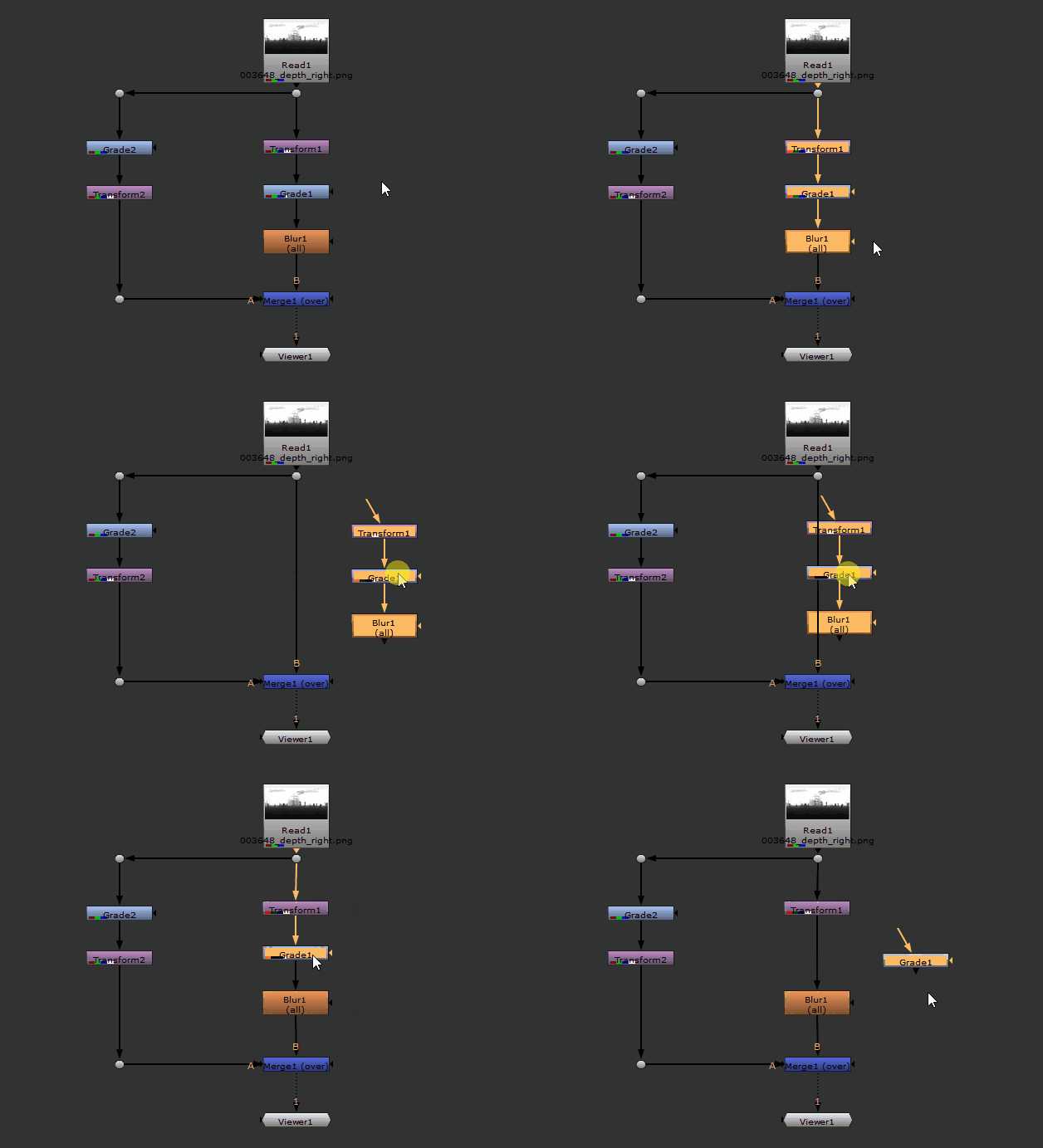
There's a lot more that could be done to improve the UX. I like the things mentioned in 3.1 Classic: Nodes and wires of the LIVE Primer. I also like how in Nuke, shaking nodes disconnects them.
Findings
I learned that it's fun to program three-dimensional worlds with a three-dimensional programming language. I also especially like scenes that react to a users body, and want to push further into this direction
I've used DeepL to translate some parts of the text from German to English.